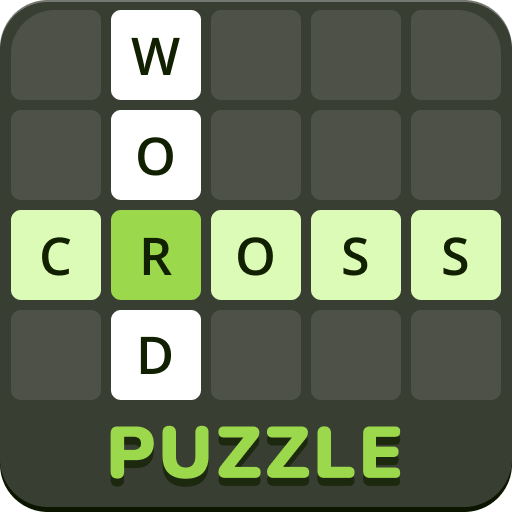
The Crosswords from Educaplay are puzzles formed of squares squares that you have to fill them in order to discover the hidden word.
To fill in a word you have to click with the mouse on any of the square boxes and in this way the definition of that word will be shown.
There are three ways that a definition can be shown:
The Crossword puzzle is composed of words placed horizontally and vertically, that must be written from left to right and from the top to bottom.
If you are not able to guess a word, you can ask for help with the letter clue button, and if you get "completely" blocked you can use the word clue button the word will be shown. You may ask for help at any time, but each time you do, your final punctuation will decrease in a proportionately way.
When you have filled in the Crossword, you must press CORRECT to check your answers and get your final punctuation or correct any possible mistakes.
Look for all the Crosswords that other users from the web have created in the Crosswords Gallery.
Go on, it is free; you only need to register. Once you are registered you can create any of the activities that Educaplay offers you with a personal environment, so that you can create, manage and download your own multimedia activities.
This is the videotutorial, for learning how to create Crosswords in Educaplay
This is the videotutorial, for learning how to create Crosswords with image and audio in Educaplay